💬 How to Specify Character Hair Color
Creating character images with specific hair colors can add a level of personalization and detail to your creative projects. Here's a step-by-step guide to help you precisely control the hair color in the image generated by the drawing prompt.
- First of all, make sure you know what hair color you want. The color can be as common as black, brown, or blonde, or as unique as silver, pink, or purple.
- Add a detailed description of your hair
💬 Here are some examples
boy with cigarette, business suit, black eyes, purple hairm black eyes, looking down, leaning against the window, looking down, seaside, calm, sarcastic evil grin, sad eyes, fantasy character portrait, dynamic pose, above view, sunny day, thunder clouds in the sky,

retrowave, mountainous horizon, sunset, neon lights, cityscape, 1boy, purple hair, looking at viewer, cleavage, neon trim

medium purple hair, rin_tohsaka, tohsaka rin, long hair, purple hair, two side up, twin-tails, long sleeves, purple sweater BREAK thighhighs, garter straps, zettai ryouiki, (black pleated skirt) BREAK beautiful jewel-like purple eyes, perfectly detailed anime eyes, wrenchwhispersofzen, black background, purple theme cloth, clear edge

1girl, izayoi sakuya, touhou, purple hair, solo, maid headdress, maid, apron, short sleeves, dress, closed mouth, purple apron, looking at viewer, maid apron, puffy short sleeves, frills, puffy sleeves, black dress, frilled apron, hair between eyes, outdoors, blush, throwing knives, knives, serious face, upper body, masterpiece, best quality, very aesthetic, absurdres

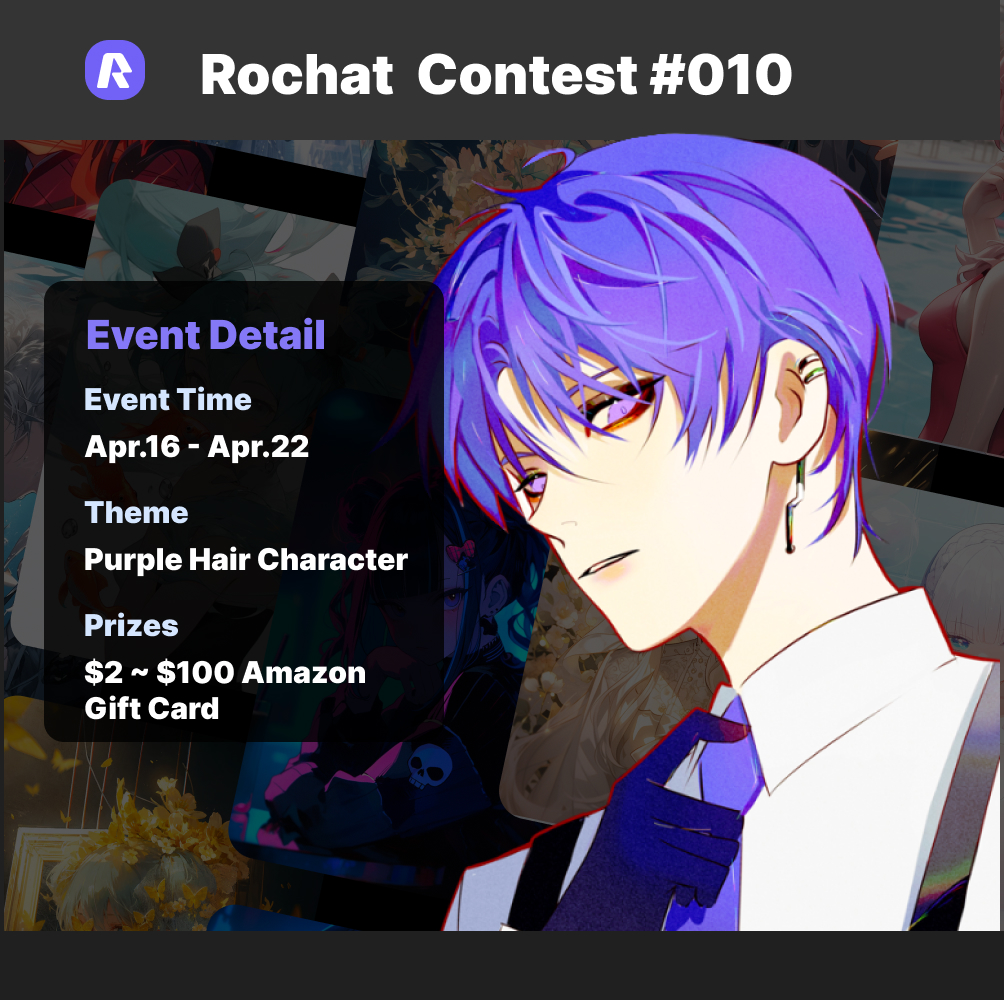
Contest #010
Learn these tips and tricks and enter our Purple Hair Contest. Our Purple Hair Challenge is still going on, for cash prizes, click on the link to see more: https://rochat.ai/explore/100473974152721792